
Our team has been hard at work bringing you dozens of exciting new updates. From streamlined calendar tools, to powerful Point of Sale enhancements, there’s something for everyone! Check out the highlights below and dive deeper into the full change log.

Individual Staff Booking Links
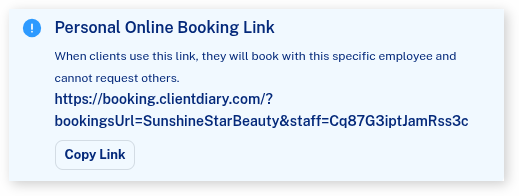
Are you renting a space or have staff members who would like to share their own personalized Online Booking link on social media? Now, each team member can easily share a unique link that directs directly to their individual booking column, available in the Employee Settings.
Upgrades to the Wait-list
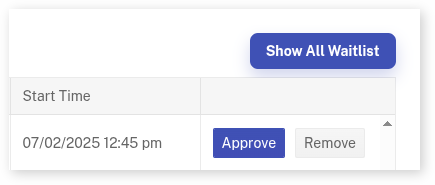
When using the wait-list, it typically only displays bookings for the current day that are waiting for an available time. With recent updates, you can now click the ‘All’ button to view all past bookings that may have been missed, as well as future bookings that could be brought forward.
Reaching more clients with SMS Marketing Campaigns
New targeting options have been added to make it easier to market to specific groups of clients.
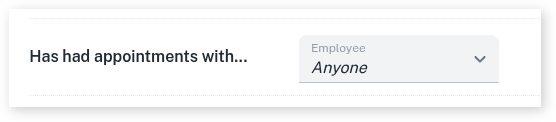
Clients who have had appointments with a specific employee
Perfect for reaching everyone who has seen a particular team member—such as a new apprentice—to check in or promote follow-up services.
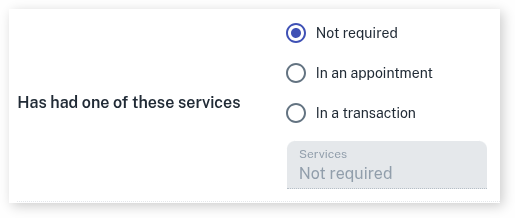
Clients who have received certain services
Ideal for targeting clients who recently had a specific service, like a recent colour, to inform them about an upcoming promotion or sale.
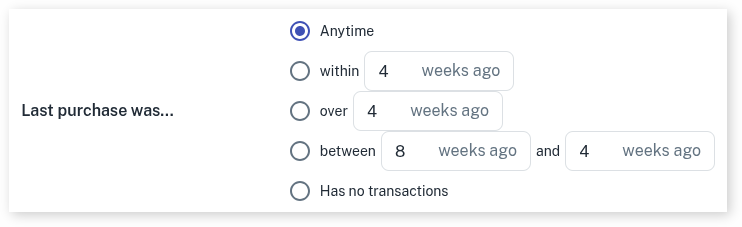
Clients whose last purchase was between two dates
Useful when you want to exclude very recent visitors but also avoid clients who haven’t been in for a long time—such as those who may have moved away.
Improved Reports for Easier Business Management
We’ve made key updates to your reports and features to help you stay on top of your business with ease.
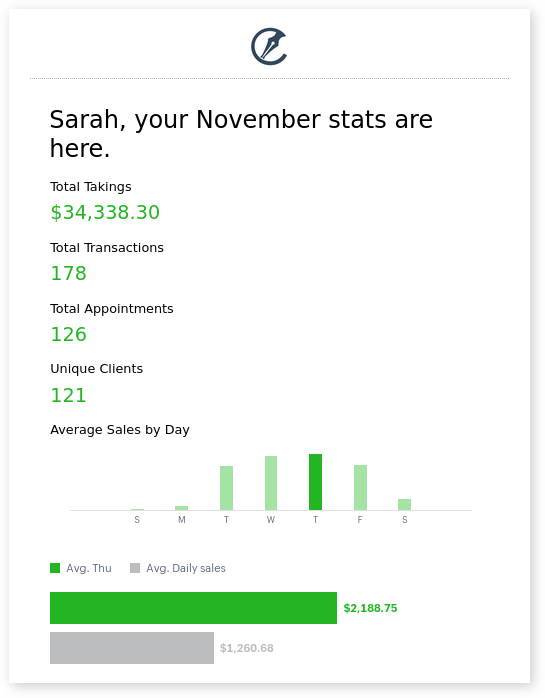
Receive Monthly Business Stats via Email
Get a snapshot of your business growth with a quick monthly email, complete with comparisons to past months for valuable insights.
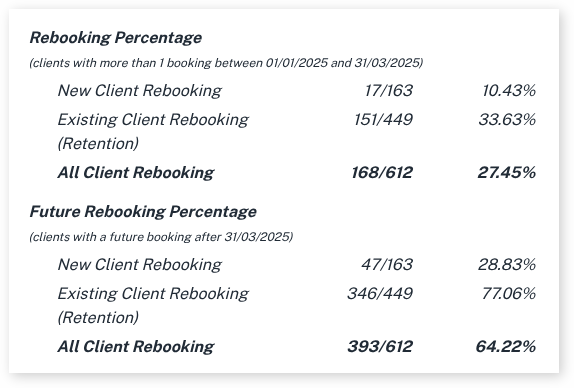
More Detailed Re-booking Rates
Now you can track not only how many clients re-booked after a certain period but also how many clients returned multiple times within that time frame.
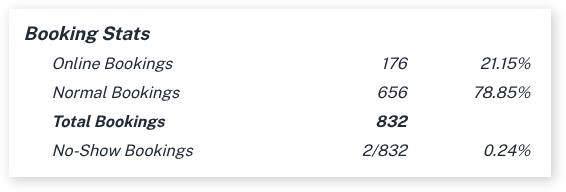
Track No-Shows with Ease
No-shows happen, but now you can quickly see how many occurred, all in one place, alongside your other key business metrics.
Upgrading Staff Access
We understand that system security is crucial. Now, we’ve added more options to give you greater control over what staff members can and can’t do.
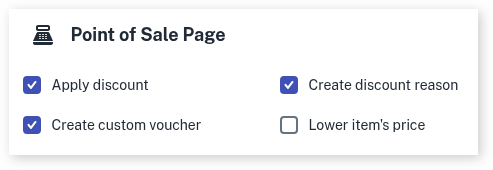
Staff Ability to Adjust Item Prices
Originally, staff could either edit an item’s price or not. Now, businesses can choose to give staff the ability to increase prices, while still restricting them from lowering costs. This offers more flexibility without compromising control.
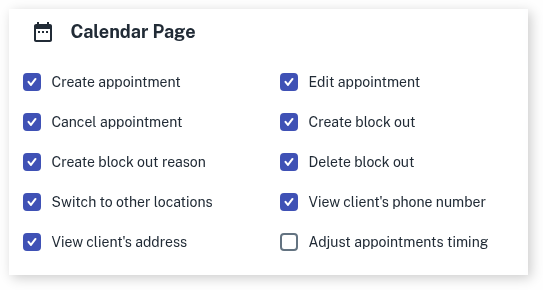
Staff Permissions to Adjust Appointment Times
By default, staff members can modify the duration of an appointment after it’s booked, allowing them to increase or decrease the time as needed. With the new setting, you can prevent this adjustment, ensuring that appointments remain fixed to the originally scheduled duration.

These updates are just one more step in helping you grow, streamline, and elevate your business. We can’t wait to show you what’s coming next.
The Team at Client Diary