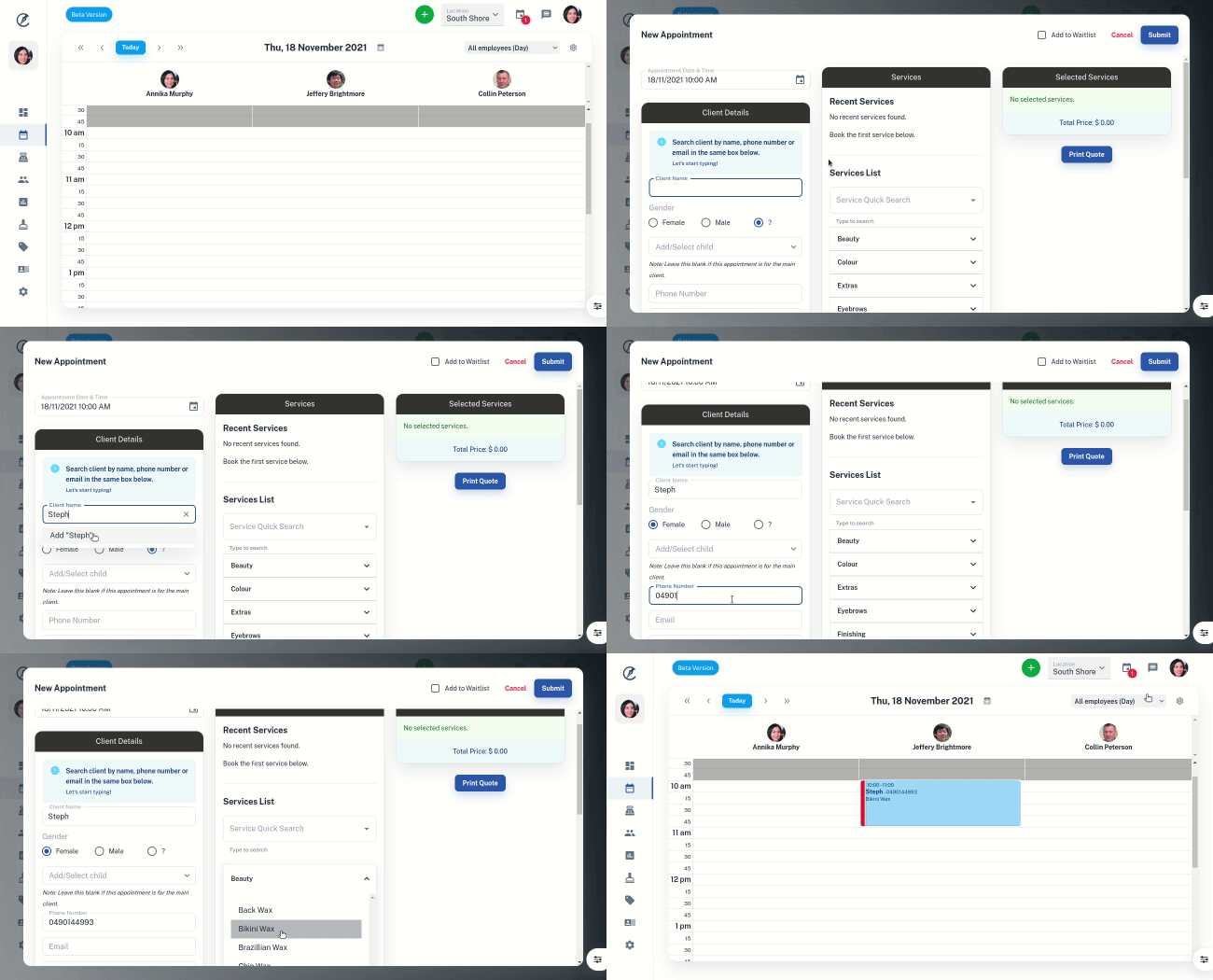
Appointments are the easiest way to keep track of the clients coming into your business. This guide can either help you set up for first appointments or be a refresher if you are having trouble with the features in Client Diary.
To create an Appointment:
- Head to Calendar
- Click once on the time you wish to create an appointment
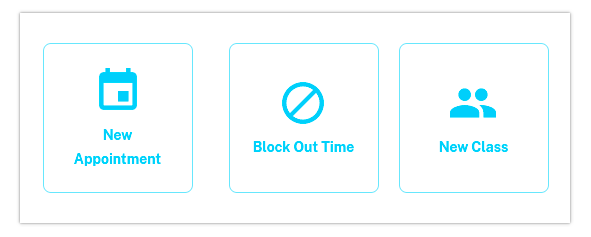
- Choose New Appointment
- On the following screen enter your client’s name. You can search for an existing client here or enter a new one just by typing their first and last name details
- Enter their gender. By recording their gender, you can use it for future marketing to be sent to males compared to females if required
- Enter a phone number. By collecting their mobile number you have it recorded for SMS Reminders or other SMS features
- Search for a Service using the Service Quick Search or select as many Services as required by clicking on the individual Service Categories
- Press the Submit button in the top right corner.
Your appointment is now created!