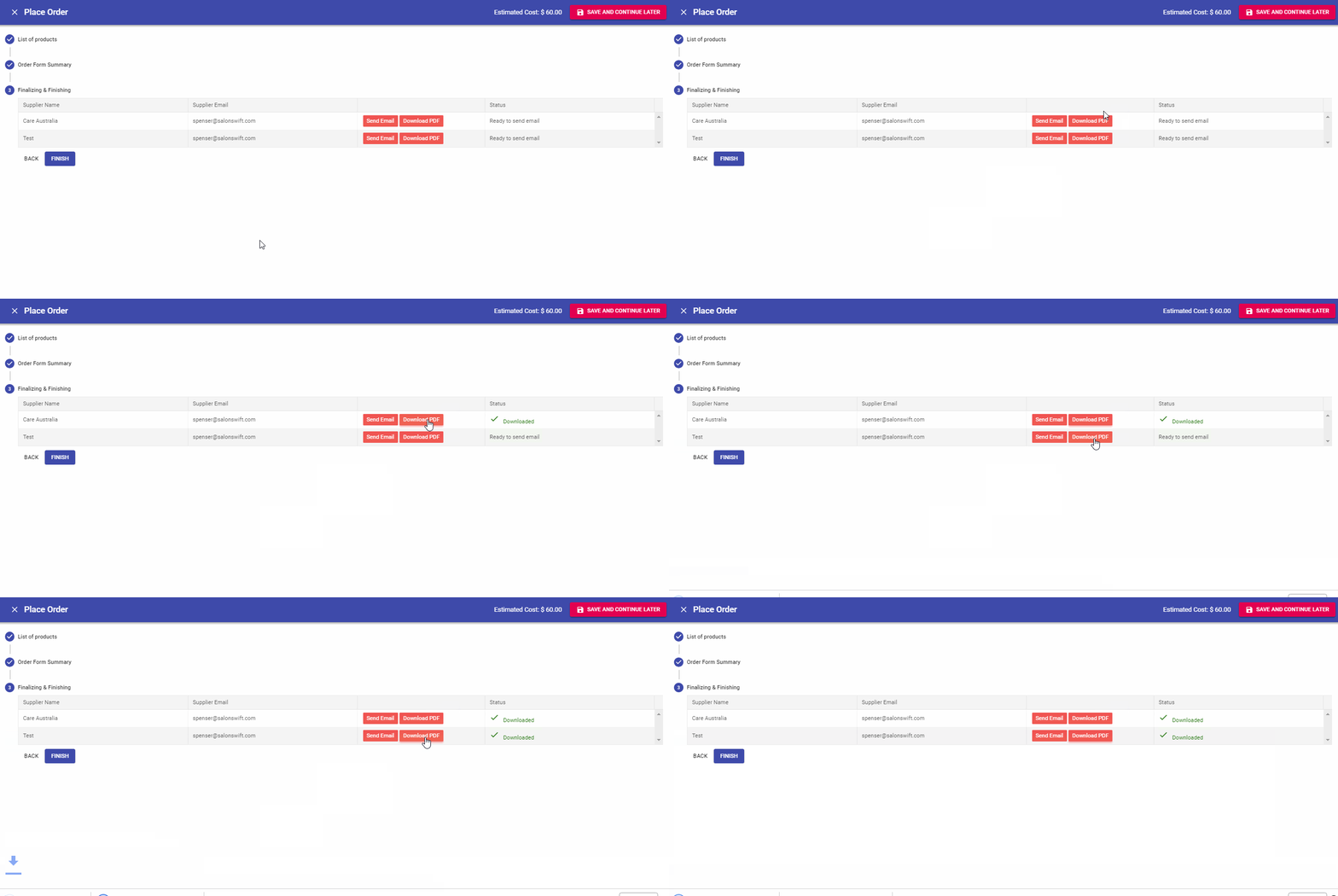
Orders can be emailed automatically to your supplier or you can call the order through on the phone. The choice is yours.
To Email the Order to Your Supplier
- Select the Send Email button next to each supplier. You will see the progress as it is generated and sent
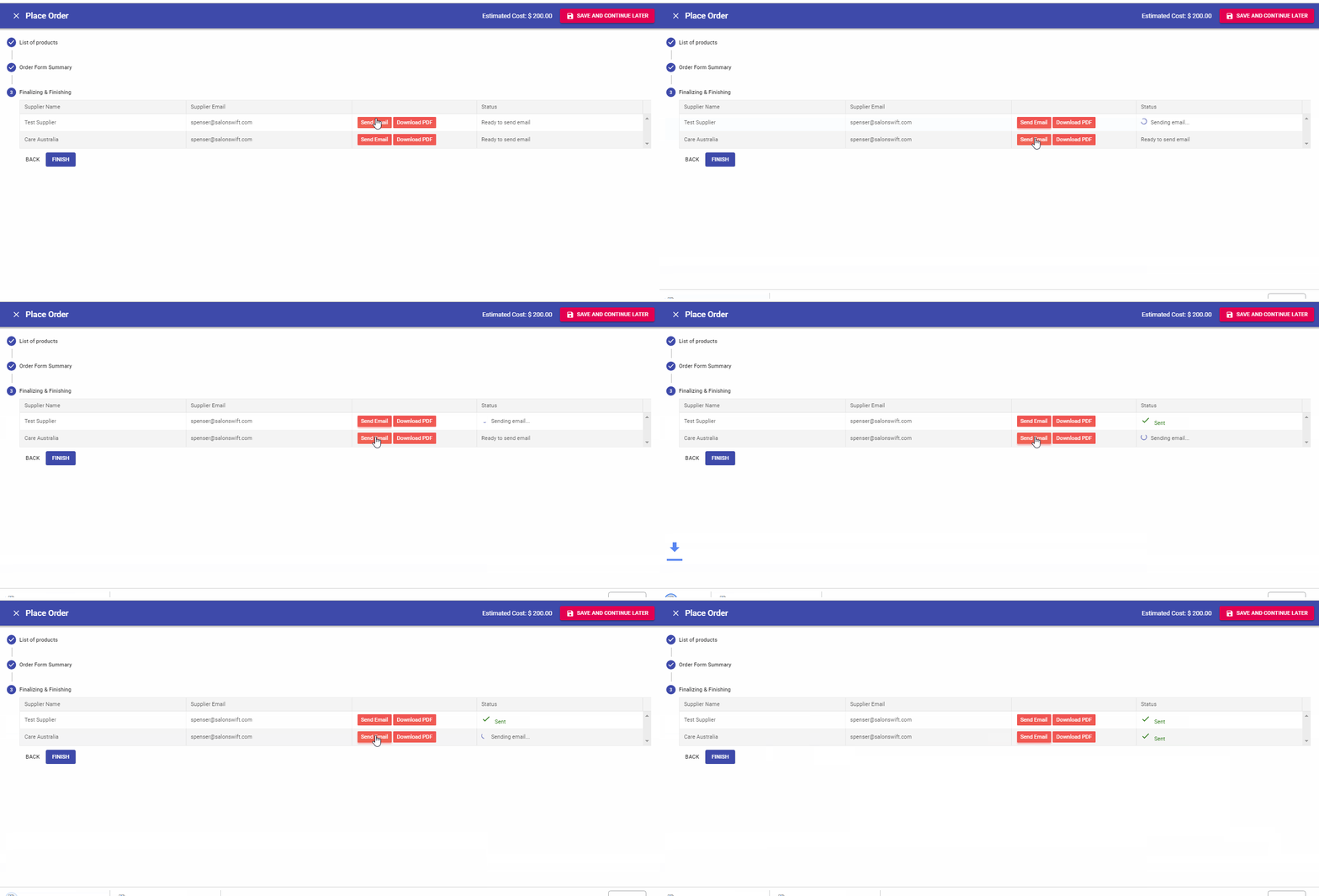
Note: When you email an order, a PDF is also downloaded to your computer so you have a copy.
To Call the Order Through on the Phone
- Simply select the Download PDF button. This will produce a PDF that you can read to your supplier over the phone.