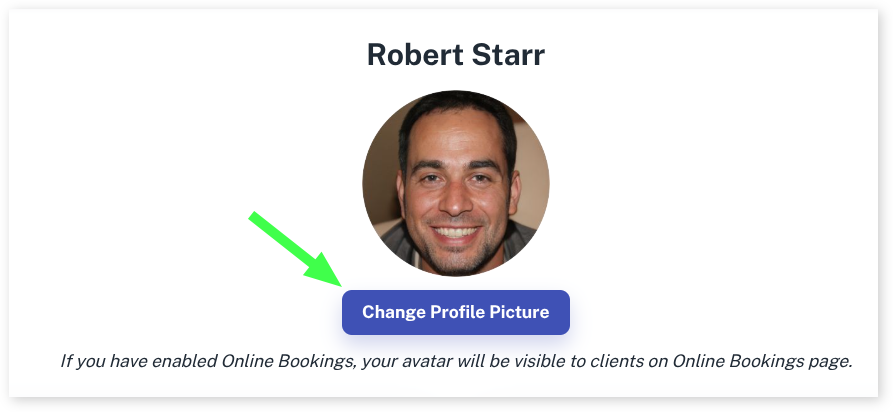
You can add a photograph of each employee so that a client can recognise them and book. Imagine someone liked getting their hair done with “the gentleman with dark hair and a big smile” but can’t remember his name. The photo will help them to choose the right person.
- Select the Employees menu
- Choose the Employee you wish to add a photo to
- Select the Change Profile Picture
- Add the photo using the screen that follows