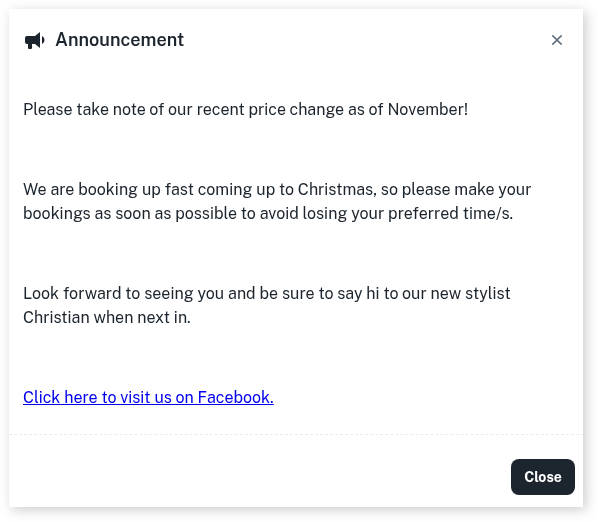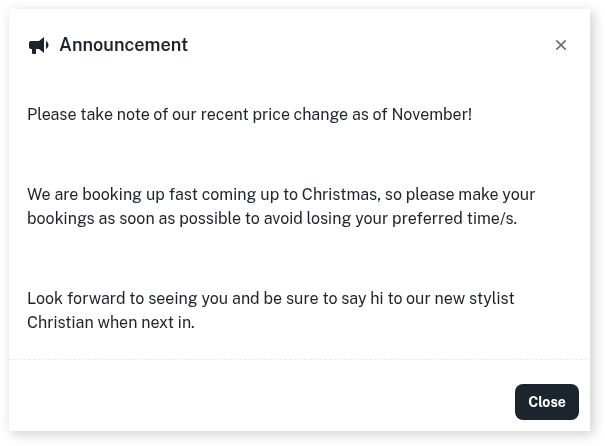
Adding an announcement for your online booking is a great way to let your clients know about any special deals or any important details about the business.
To get started we recommend to first set up your Online Booking, click here to find out how.
Then to set up the announcement:
- Head over to My Account
- Click the Add-Ons tab
- Select Online Bookings Setup Beta
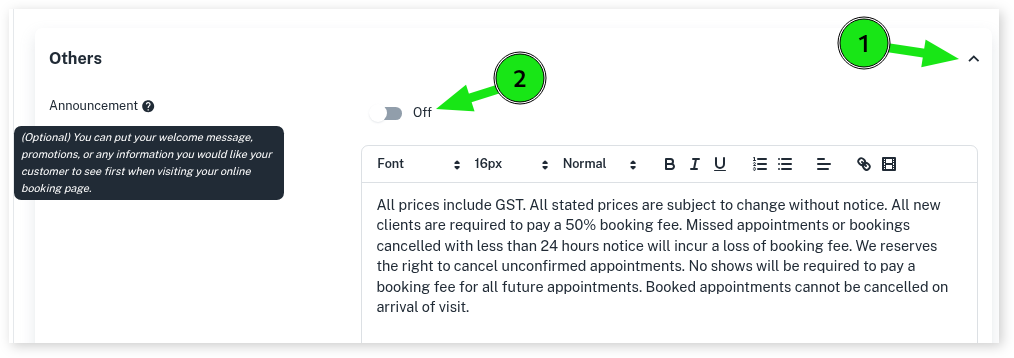
- Scroll down to the Others section and click on the drop-down option
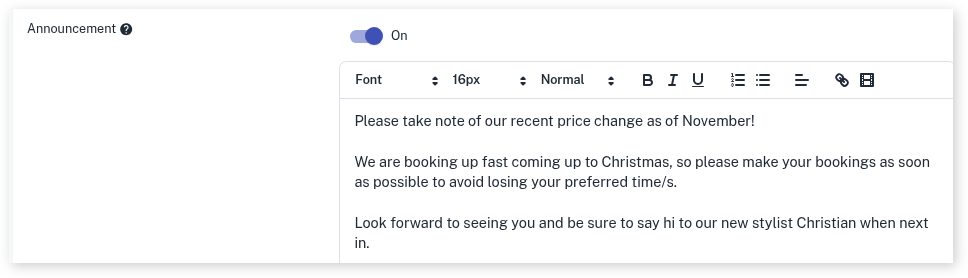
- Select toggle to turn On the Announcement
- Enter your Announcement using the different features
- Optional: Use the Link tool to add in links to your Facebook, Instagram and more
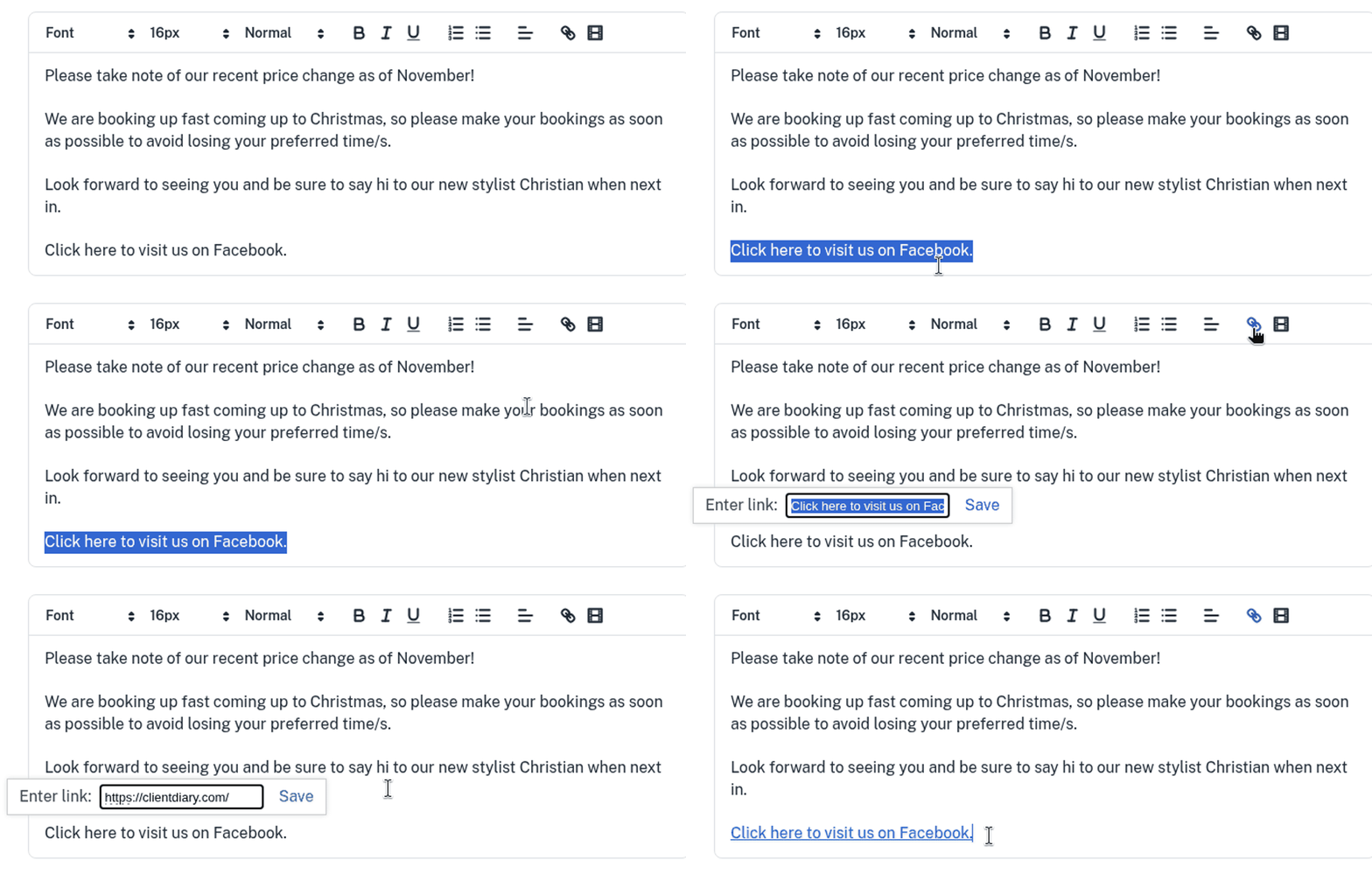
- Optional: Use the Video tool to link a video to your Announcement
- Press Save once complete
Now when your client opens your online booking site it will look similar to below: