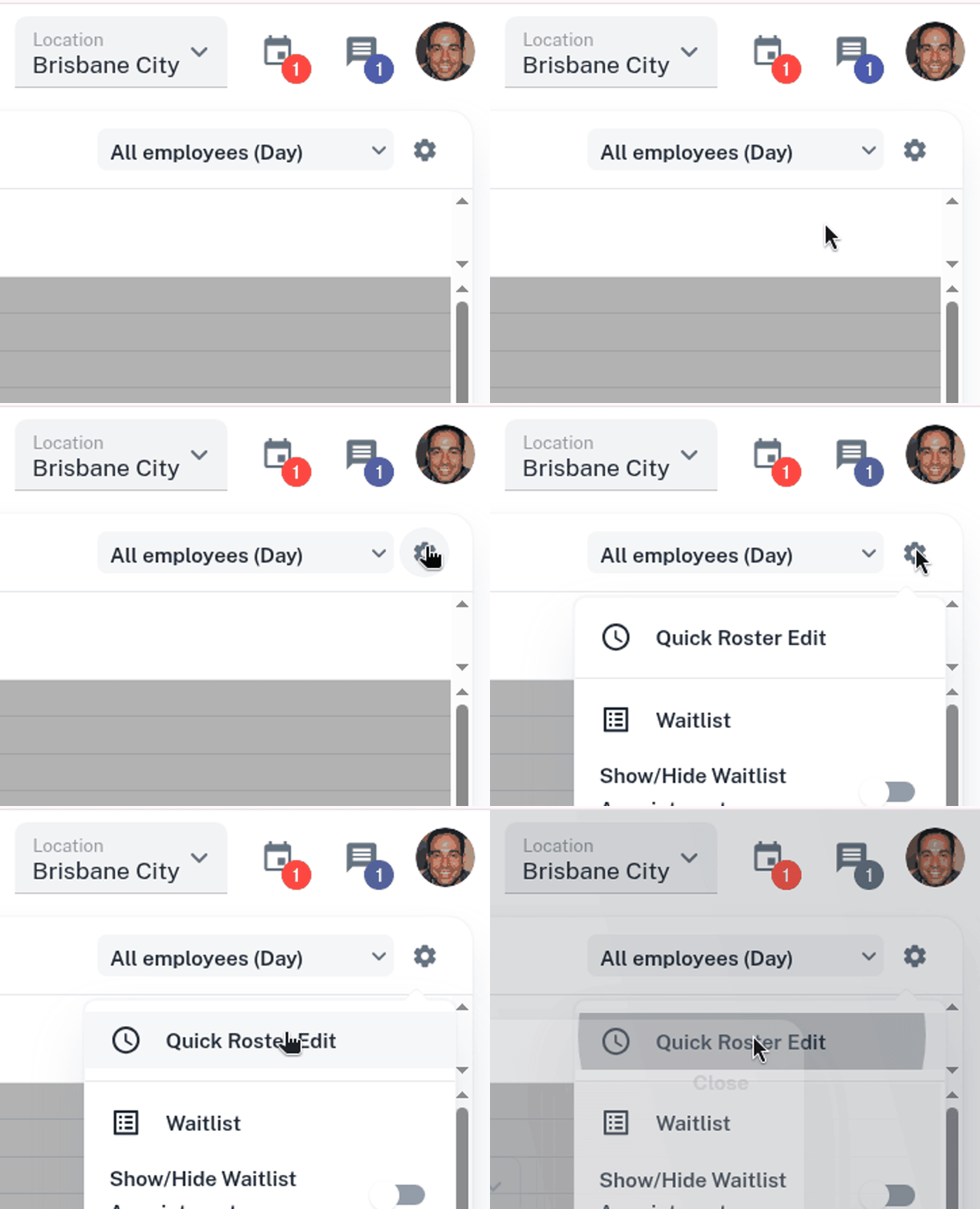
As well as using the Advanced Tools to view your Team Weekly Roster, you can quickly open the Team Weekly Roster from within the Calendar screen.
- Press the cog in the top right corner
- Select the Quick Roster Edit option
- Update your roster accordingly.
Full instructions on the Team Weekly Roster tool can be found here.