You may not want ALL of your Services to be able to be booked online. Client Diary gives you full control over which Services can be booked by your clients and which can’t.
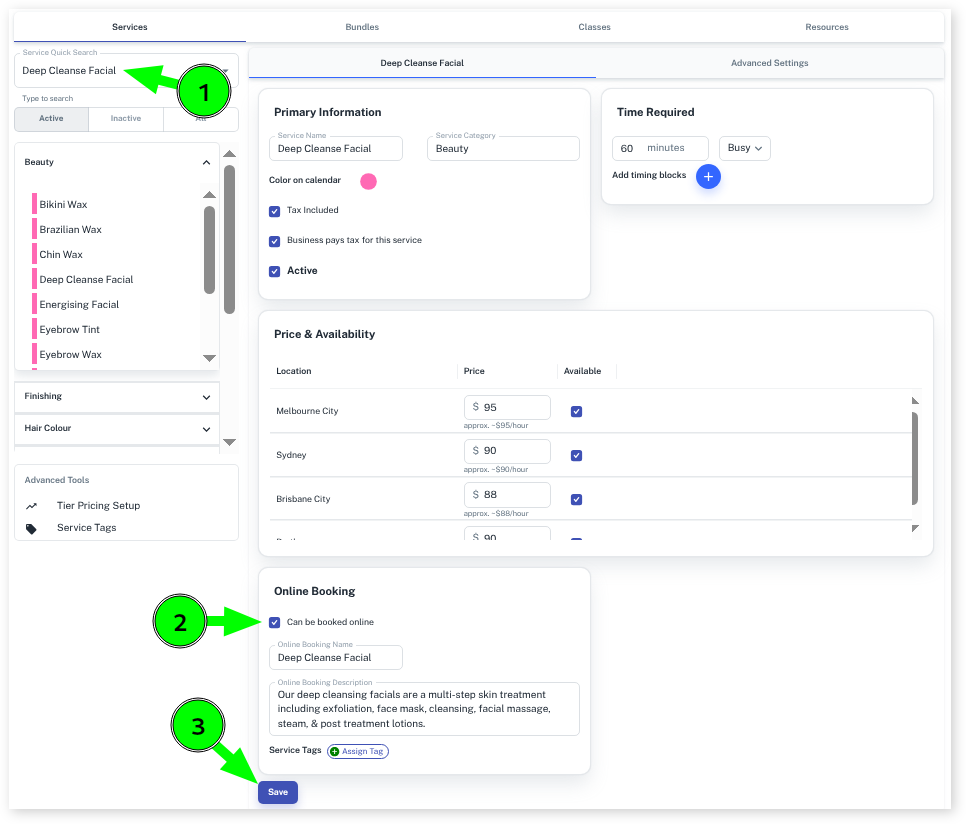
- Select the Services menu
- Search the Service you wish to allow to be booked
- Ensure Can be booked Online is ticked
- Press the Save button
- Repeat Steps 2 to 4 for each Service you want to appear in your online booking
Setting Service Online Booking Name and Online Description for Services
Whilst you can leave the Services as they are, if you want to adjust how the Service is shown to the customer VS how you see it in store, you can use the following.
You can add this info whilst still in the Services’ add/edit screen
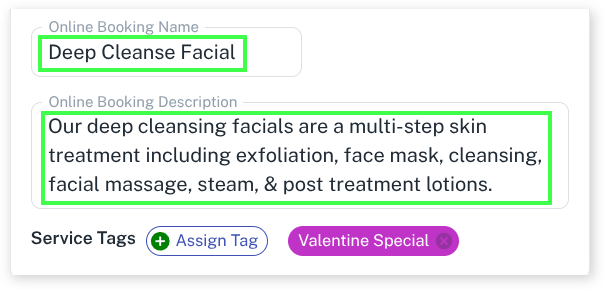
- To change the way the Service is named for the customer, simply add a name in the Online Booking Name input
- To add a description to the Service that is shown at the online booking screen, simply add a description in the Online Booking Description input