
Sometimes you want to add custom information to your client’s details. By default, we have name, address, phone, email and more. However, what if you want fields like Emergency Contact or Skin Type? If you’re a mechanic you may want car Make and Model. A pet grooming salon may want Dog Breed, Aggression Level, etc.
To do this
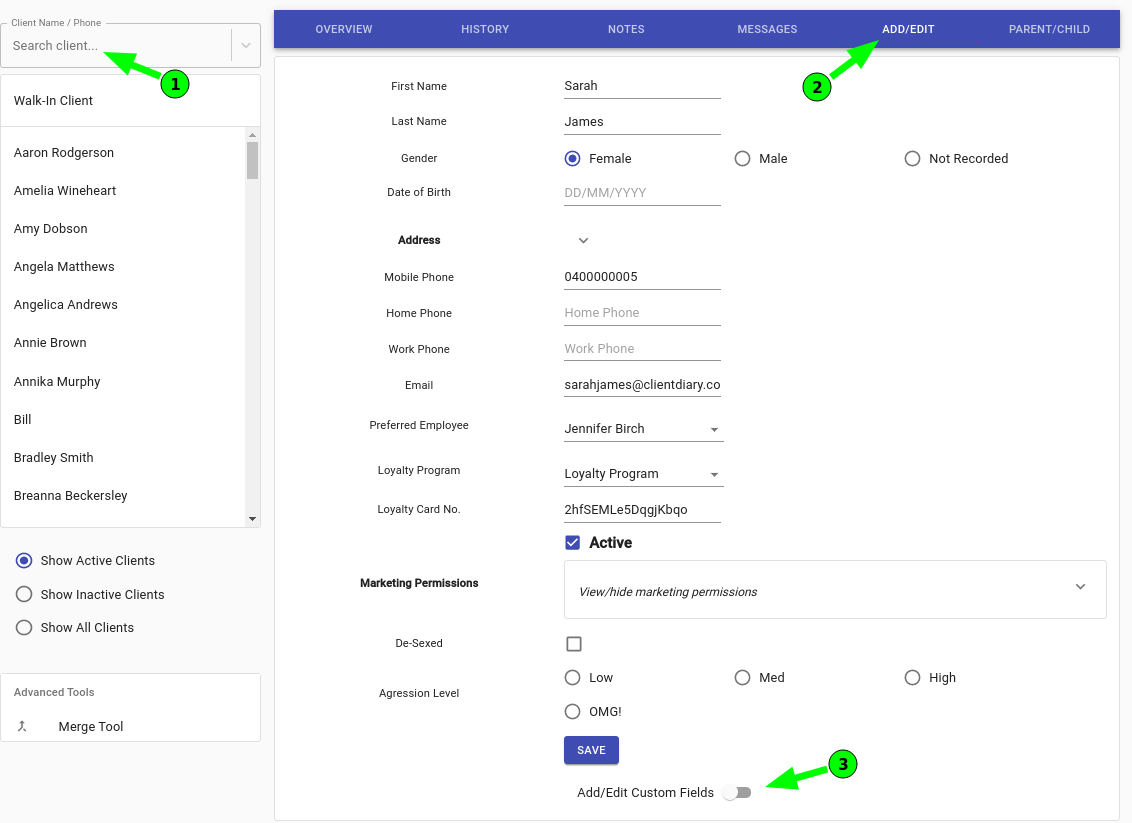
- Go to the Clients menu
- Search for the Client in the client search tool
- Press on Add/Edit tab
- Click on the slider next to Add/Edit Custom Fields to access fields options
Turning this on you will see three different selection options 
 Add Custom Fields
There are different types of fields you can add, when pressing on to the field it will prompt you to enter a name for the field in question.
Text Field- Is just when you want add notes to that field.

Check Box- When you want to add a tick box next to that field.

Radio Button- When you want to add multiple options to that Field

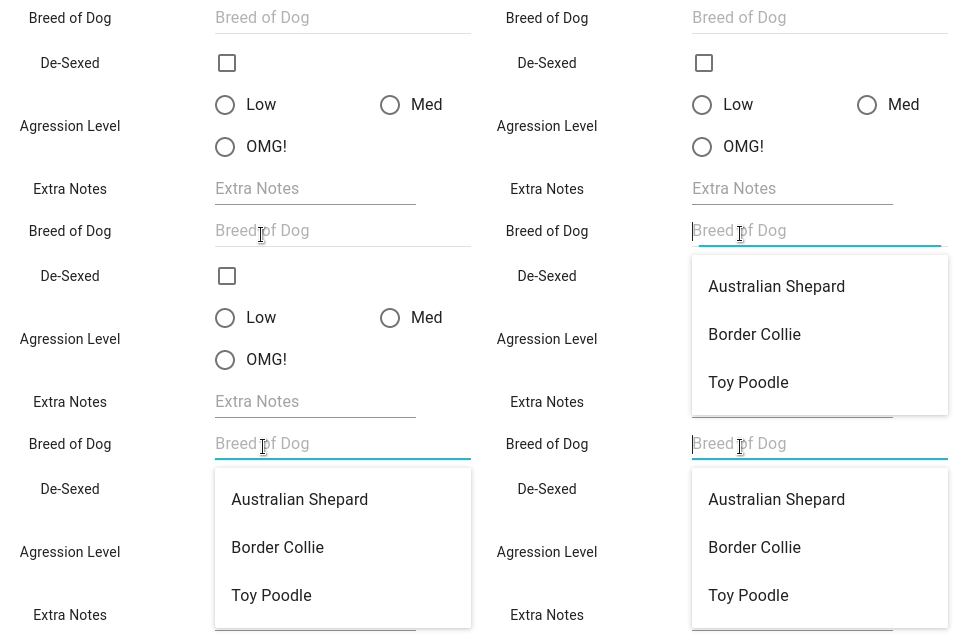
Auto- Complete Field- An auto complete field remembers what you enter so it’s there next time
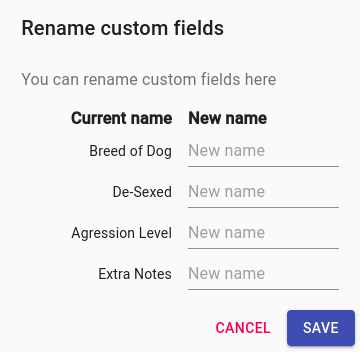
 Rename Custom Fields
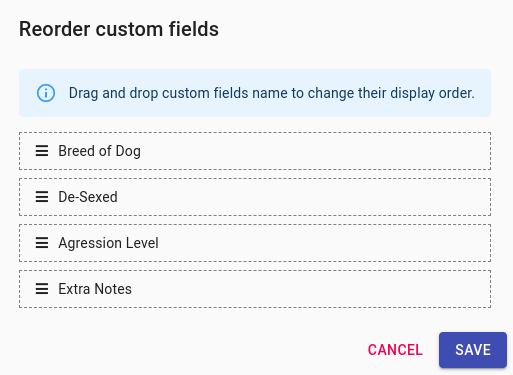
 Reorder Custom Fields
Once you have done the changes you would like click on the Save button.