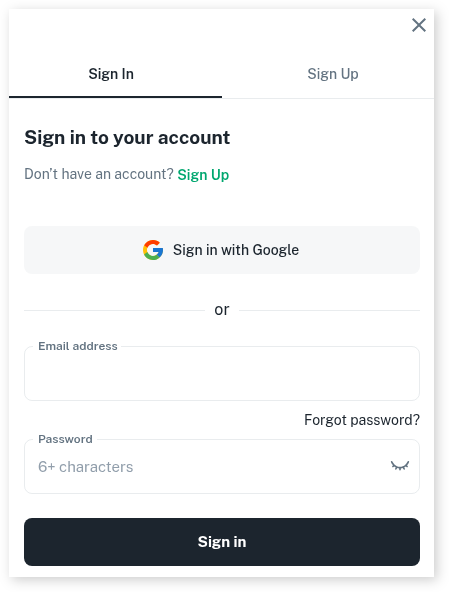
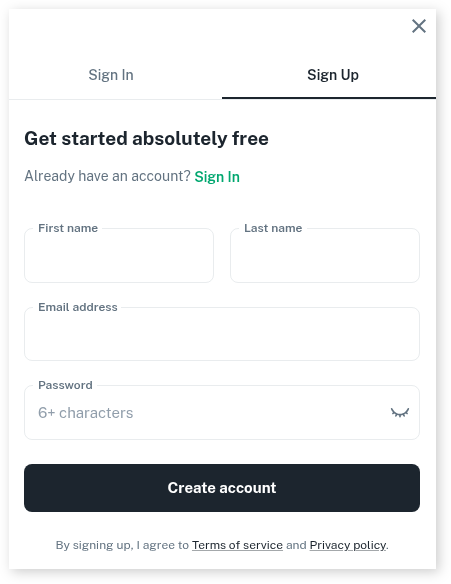
With our new online booking site, your clients can now create an account which enables them to manager their own bookings. This will free up time for you, as clients can sign in to their accounts and perform a number of tasks.
To enable this:
- Head to My Account
- Select Add Ons
- Press on Online Bookings Setup Beta
- Scroll down to Online Portal and click on the drop-down arrow
You can then choose which options you want your clients to be able to perform by sliding the toggle on or off accordingly.
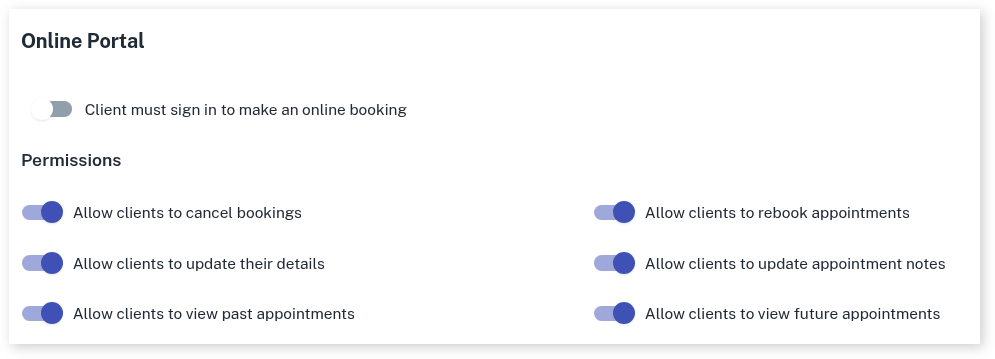
- Click on Save after making any changes
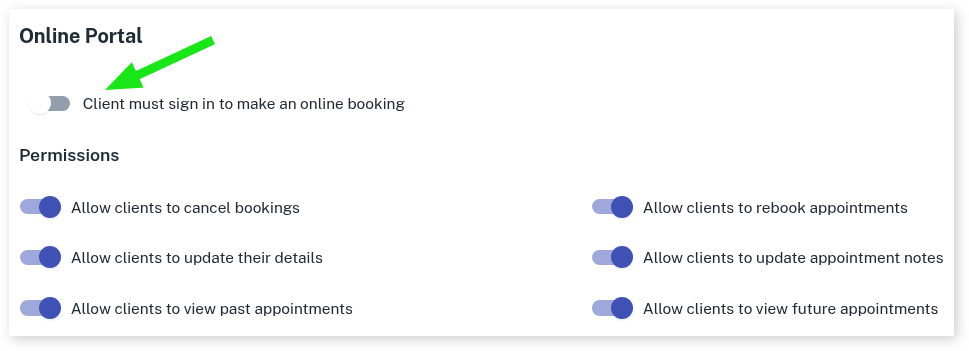
Client Must Sign in to Make an Online Booking
You may like to set your online portal up so that clients must sign in to make an online booking.
- Slide the toggle on to activate this.
- Click on Save after making this change
When a new or existing client goes to make an appointment online, they will be prompted to either sign in or create an account at the appointment confirmation stage of the booking (example below).
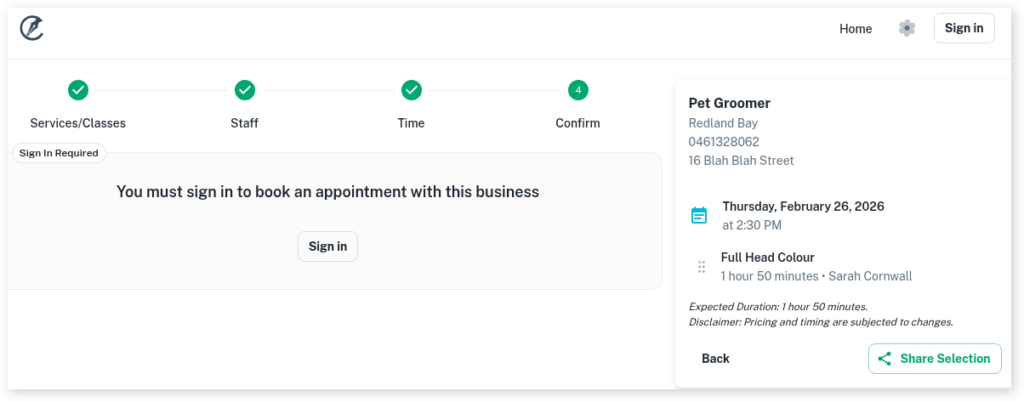
Clicking on Sign in they will be presented with the following screen with the option to either create an account or sign in with their details. Signing up is absolutely free.