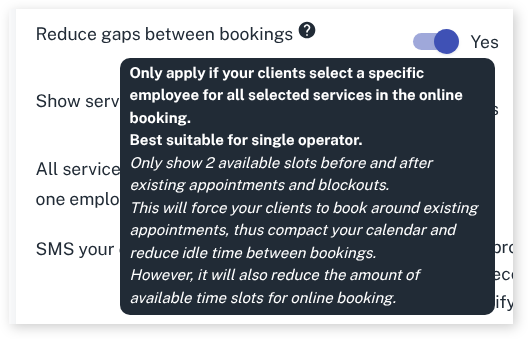
For all types of businesses you may want to set up that clients can only book around other bookings to reduce gaps and unneeded waiting around.
To get started we recommend to first set up your online booking, click here to find out how How to set up Online Booking in Client Diary
Then to set up:
- Head to My Account
- Select Add Ons
- Press on Online Bookings Setup Beta
- Scroll down to Other and click on the drop-down
- Scroll down to the Reduce gaps between bookings
- Slide toggle to Yes
- Press Save once complete